Beginner Guide to Recording Variable-Star Brightness with a DSLR
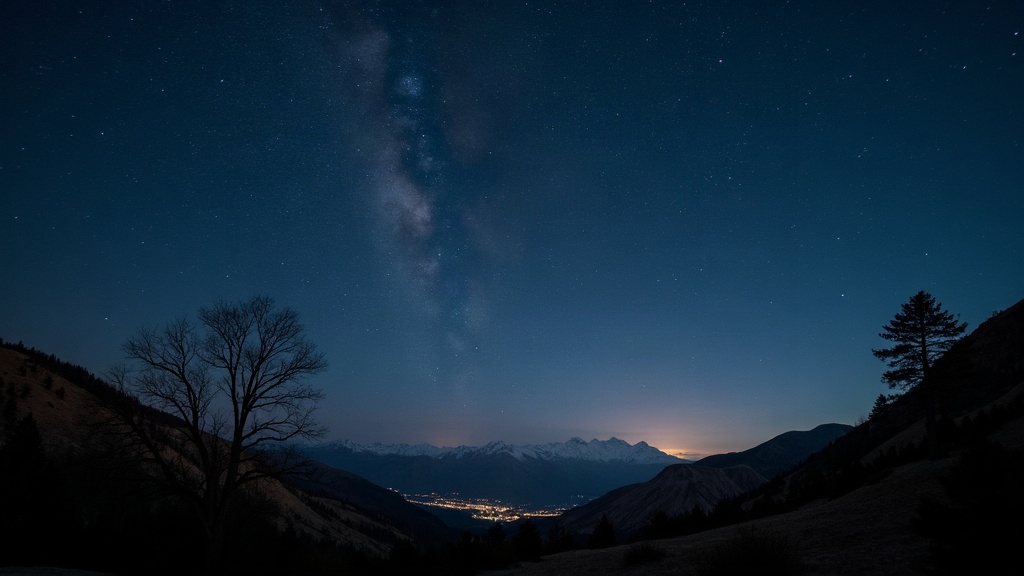
Measuring the Brightness of Variable Stars with a DSLR
Measuring the brightness of variable stars with a DSLR camera might be the most rewarding way to do actual astronomical research without leaving your yard. Grab the camera you already own, bolt it to a tripod or tracking mount, download some free software, and you can start producing light curves good enough that the AAVSO (American Association of Variable Star Observers) will actually use them.
Why Variable Stars Matter
Some variable stars flicker in brightness over a few hours. Others take months, even years, to complete a cycle. There simply aren’t enough professional telescopes (or astronomers) to watch thousands of these stars every single night, so amateurs end up filling in the gaps. That data feeds studies on stellar pulsation, eclipsing binaries, and sometimes even exoplanet transits. Funny enough, a camera built to shoot weddings and sunsets turns out to be sensitive enough to catch these subtle shifts in starlight.
What You’ll Need
- A DSLR or mirrorless camera with manual (M) mode and RAW shooting capability
- A lens or telephoto lens (something in the 50mm-300mm range covers most bright variables) or a telescope paired with a camera adapter
- A tripod or tracking mount so the stars don’t smear during longer exposures
- An intervalometer (built-in or external) to fire off consistent, timed shots
- Free photometry software like AstroImageJ, Muniwin, or VPhot
No cooled sensor, no monochrome camera required. Plain old consumer DSLRs have been producing AAVSO-grade data for more than ten years now.
Step 1: Choose a Target Star
Pick something bright and well-studied first, ideally with a big enough swing in brightness that you can actually see the change. A few classics:
- Algol (Beta Persei) - an eclipsing binary that dims noticeably every 2.87 days
- Mira (Omicron Ceti) - a long-period variable that goes from naked-eye visible to practically invisible over roughly 332 days
- Delta Cephei - a textbook Cepheid running on a steady 5.4-day cycle
Pull up the AAVSO Variable Star Index (VSX) for finder charts and comparison star sequences. You’ll need nearby stars with known, stable brightness to calibrate against, so don’t skip this part.
Step 2: Capture Calibration Frames
Your photometry is only as good as your calibration frames. Three types, each doing a different job:
- Dark frames - same exposure length and ISO as your light frames, lens cap on, used to strip out sensor noise
- Flat frames - shot against an evenly lit surface (twilight sky or a light box) to correct vignetting and those annoying dust spots
- Bias frames - the shortest exposure your camera allows, meant to capture readout noise
Shoot 10 to 20 of each and stack them. Most photometry software will handle the calibration math for you once you feed it these files.
Step 3: Shoot in RAW, Not JPEG
JPEG compresses the image and the camera applies its own processing on top, both of which mess with brightness values you need to be accurate. Shoot RAW (.CR2.NEF.ARW, whatever your camera spits out) so the pixel values stay linear, directly proportional to the light that actually hit the sensor. That linearity is the whole point. Without it, your photometry numbers mean nothing.
Recommended Settings
- ISO: 400-800. Pushing too high adds noise and can clip your data
- Exposure: Long enough to get a solid signal but not so long you blow out the target or comparison stars. Check your histogram, no pure white or clipped pixels allowed
- Focus: This one surprises people. Slightly defocused stars, bloated little disks instead of tight points, actually help. Spreading the light across more pixels reduces noise sensitivity and improves your measurements
- Format: Manual mode, fixed white balance, and use mirror lock-up or an electronic shutter if your camera has one, just to kill vibration
Step 4: Measure Brightness with Software
- Load your RAW frames along with the calibration files into AstroImageJ or Muniwin
- Run the calibration against your darks, flats, and bias frames
- Locate your target star plus 2-3 comparison stars with known magnitudes from the AAVSO chart
- Run aperture photometry. The software counts pixel values inside a circular aperture drawn around each star
- Compare your target’s brightness to the comparison stars and calculate a differential magnitude
Do this across several nights and you start building a light curve, a graph of brightness changing over time. That’s your data product.
Common Beginner Mistakes
- Overexposing comparison stars - once pixels saturate, the photometry is garbage
- Changing ISO or focus partway through a session - keep every setting locked for the whole sequence
- Skipping calibration frames - uncalibrated raw data quietly introduces systematic errors you won’t notice until your light curve looks weird
- Relying on just one comparison star - always cross-check against at least two
Submitting Your Data
Once your light curve is ready, you can submit it to the AAVSO International Database in their standard format: star ID, Julian date, magnitude, uncertainty, and which comparison stars you used. Your numbers join a dataset that stretches back over a century, one that professional astronomers around the world still pull from today.
Final Thoughts
DSLR variable-star photometry turns a camera you probably use for vacation photos into a legitimate research tool. Start with something bright and familiar, Algol is a good first target. Stay disciplined about your calibration frames and shoot RAW every time, then let the software crunch the numbers. Give it a few clear nights and you’ll have a light curve that genuinely contributes to astronomical science, no observatory membership needed.