How to Identify Geostationary Satellites in Night-Sky Images
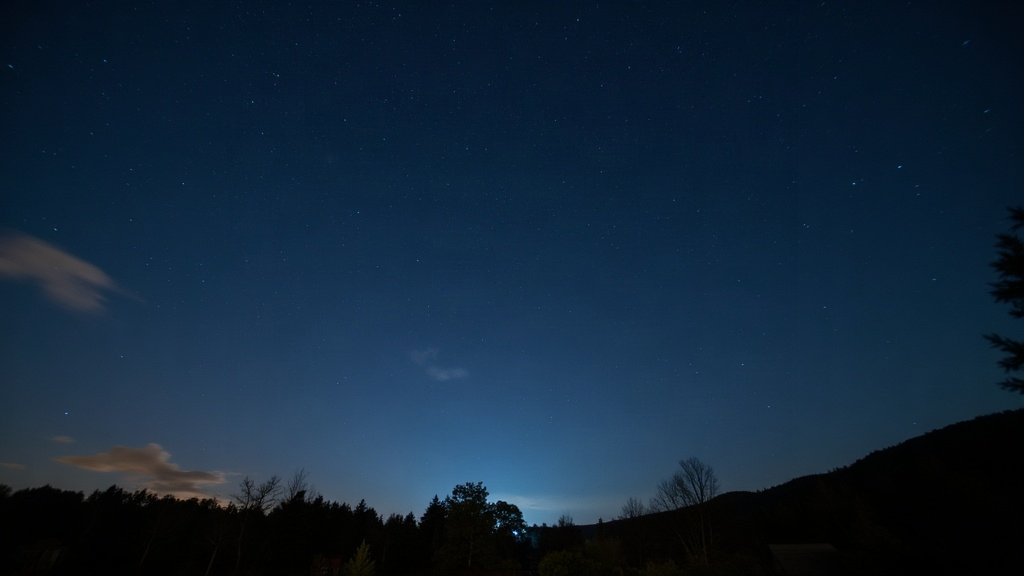
If you’ve ever pulled up a long-exposure night sky shot and spotted a weirdly static point of light sitting among the star trails, you’ve probably photographed a geostationary satellite without even trying. Here’s how to actually recognize them in your images, why they move (or don’t move) the way they do, and how to stop mixing them up with stars, planes, or meteors.
What Makes Geostationary Satellites Different
Geostationary satellites sit at roughly 35,786 km (22,236 miles) above the equator, cruising at exactly the speed Earth spins. The result? They appear frozen in place from the ground. No rising, no setting, no slow drift across your frame like you’d get with the ISS or a Starlink train.
That one quirk is basically your whole identification toolkit:
- Stars drift across the sky as Earth turns, which is why long exposures produce those classic curved star trails.
- Low Earth orbit (LEO) satellites (ISS, Starlink, the odd spy satellite) zip by fast, burning a long, mostly straight streak into a single frame.
- Geostationary satellites barely budge relative to the ground. In a tracked exposure they sit there as tight points of light. In an untracked shot, they trace an arc that curves the same direction as the star trails, just… off. Subtly, annoyingly off, until you know what to look for.
How Geostationary Satellites Look in Different Shooting Setups
1. Untracked Tripod Shots (Camera Fixed to Earth)
Camera bolted to a tripod, no tracker running? Stars will smear into arcs because of Earth’s rotation. But geostationary satellites are locked to that same rotational frame as your camera, so they show up as crisp, round dots that refuse to elongate while everything else bends around them. This is the tell-tale sign, plain and simple:
- Stars: curved trails
- Geostationary satellite: a sharp dot, no smear
2. Tracked (Star-Tracker) Shots
Flip to an equatorial mount that follows the stars, and the whole picture reverses:
- Stars: pinpoint and sharp
- Geostationary satellites: now they’re the ones trailing. The tracker is busy canceling out Earth’s spin, but the satellite isn’t moving with the stars, it’s moving with the ground. So against your perfectly tracked background, it drifts into a short, straight streak, sometimes with a faint flicker as sunlight catches its solar panels at just the right angle.
3. Deep-Sky Stacked Images
Stack a few dozen sub-exposures (as most deep-sky imagers do) and geostationary satellites tend to show up as a dashed or broken line. Why dashed? Because in each untracked sub-frame, the satellite lands in roughly the same pixel region, frame after frame. If you’re tracking, it’ll stack into one continuous streak instead. Compare that to a LEO satellite, which usually photobombs just one or two frames before it’s gone, out of the field entirely in seconds.
Practical Identification Checklist
Run through this when you’re going over your images:
- Does it move relative to the stars? Slow and steady in one direction points to geostationary. Erratic blinking, on the other hand, usually means aircraft.
- Is it sitting near the celestial equator band? Geostationary satellites bunch up along a specific arc known as the Clarke Belt. Point a wide-field lens south (if you’re in the Northern Hemisphere) or north (Southern Hemisphere) and you might catch a whole row of them as faint, evenly spaced dots.
- Steady glow or flashing lights? Planes have those red/green/white strobes blinking away. Geostationary satellites usually just glow, sometimes brightening or dimming slowly as the sun hits their panels (a “satellite flare”).
- Check again the next night. Geostationary satellites show up in almost the exact same spot, night after night. It’s one of the simplest confirmation tests out there.
Tools That Help Confirm Identification
- Stellarium or SkySafari: both can overlay satellite positions matched to your exact time and location.
- Heavens-Above.com: pulls up a list of geostationary satellites visible from your coordinates, magnitude estimates included.
- CalSky: more niche, but good for predicting flares and Clarke Belt crossings specifically.
Cross-check your image’s timestamp and GPS coordinates against any of these, and you’ll usually land within a degree or two of a confirmed match.
Common Mistakes to Avoid
- Mixing up a geostationary satellite with a hot pixel: hot pixels never move, they’re glued to the same sensor location no matter what the camera does. A geostationary satellite’s apparent position will shift if you recompose the shot or if there’s any tracker drift.
- Calling a slow plane a satellite: look for blinking strobes, or a faint trailing glow from engine contrails catching the light.
- Assuming every still dot is a satellite: sometimes it’s a distant deep-sky object, or just a lens artifact, like an internal reflection from a bright light source nearby.
Conclusion
Spotting a geostationary satellite really comes down to reading motion correctly. In untracked shots, it’s the sharp dot sitting still while stars arc around it. In tracked shots, it flips, becoming the one thing that streaks while everything else holds steady. Pair that visual logic with a quick check in Stellarium or Heavens-Above, and separating geostationary satellites from stars, planes, and sensor artifacts becomes second nature pretty fast.